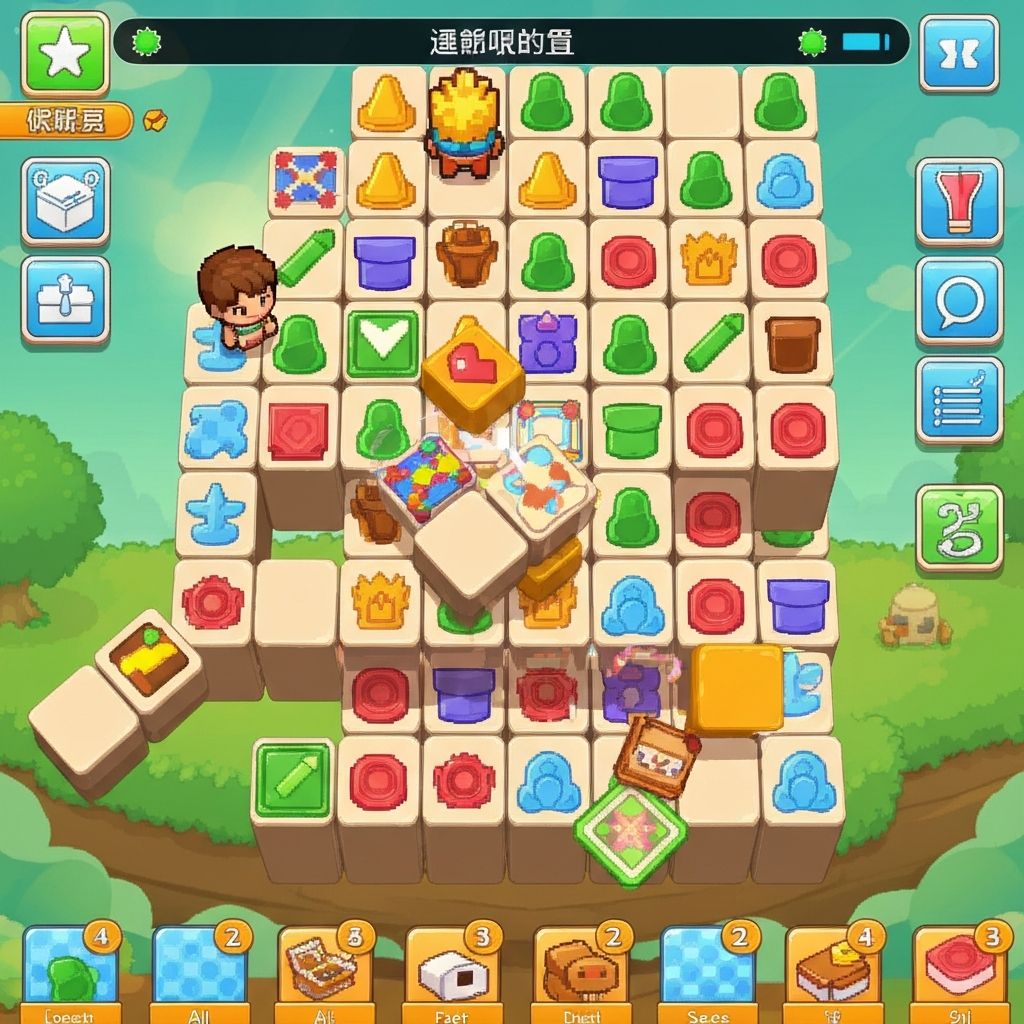
A detailed look at how players interact with Daily Tiles
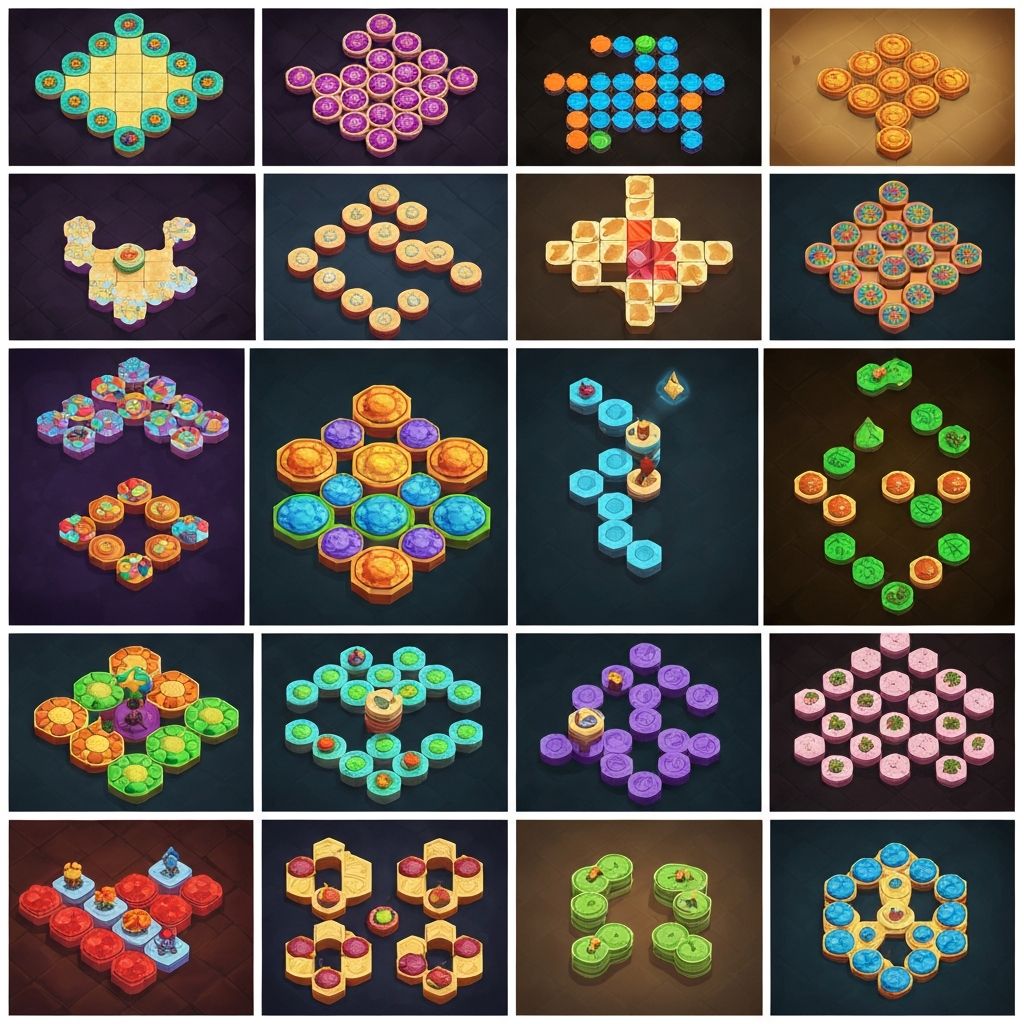
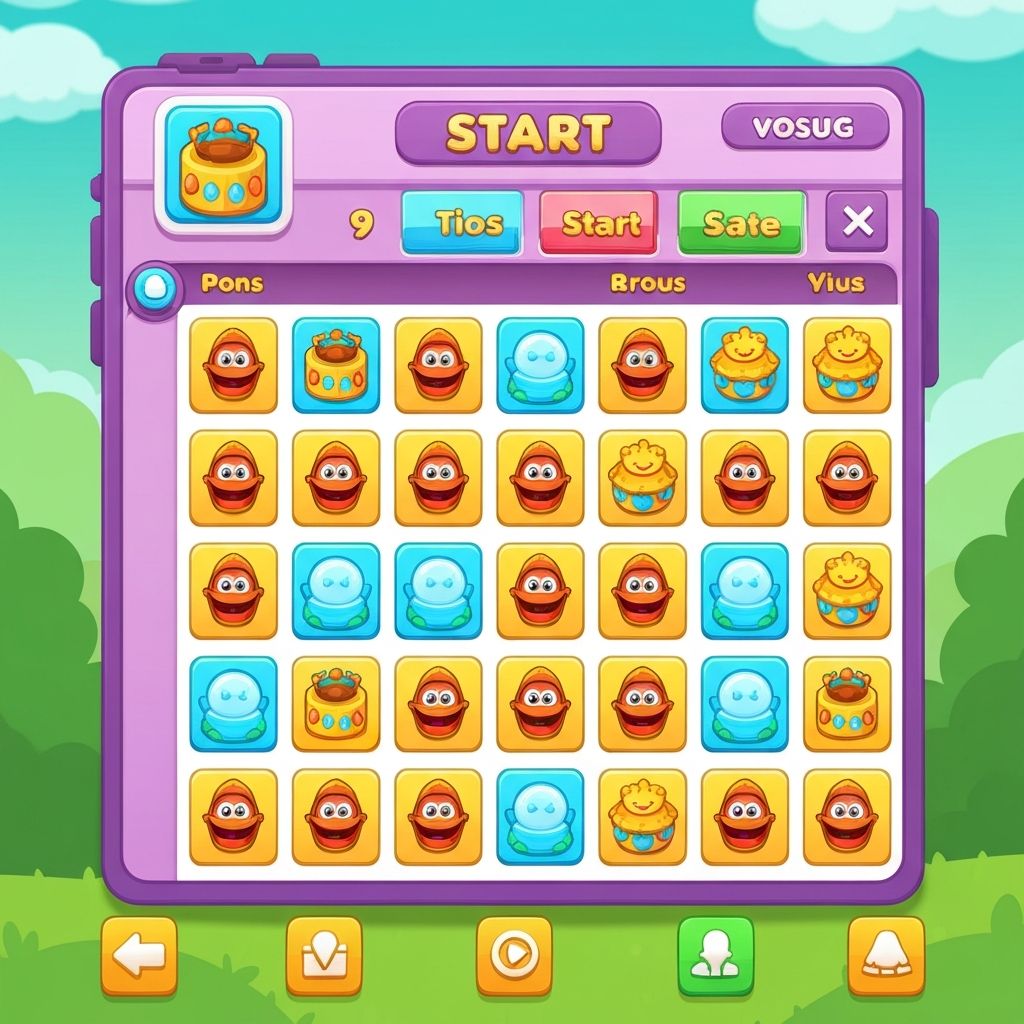
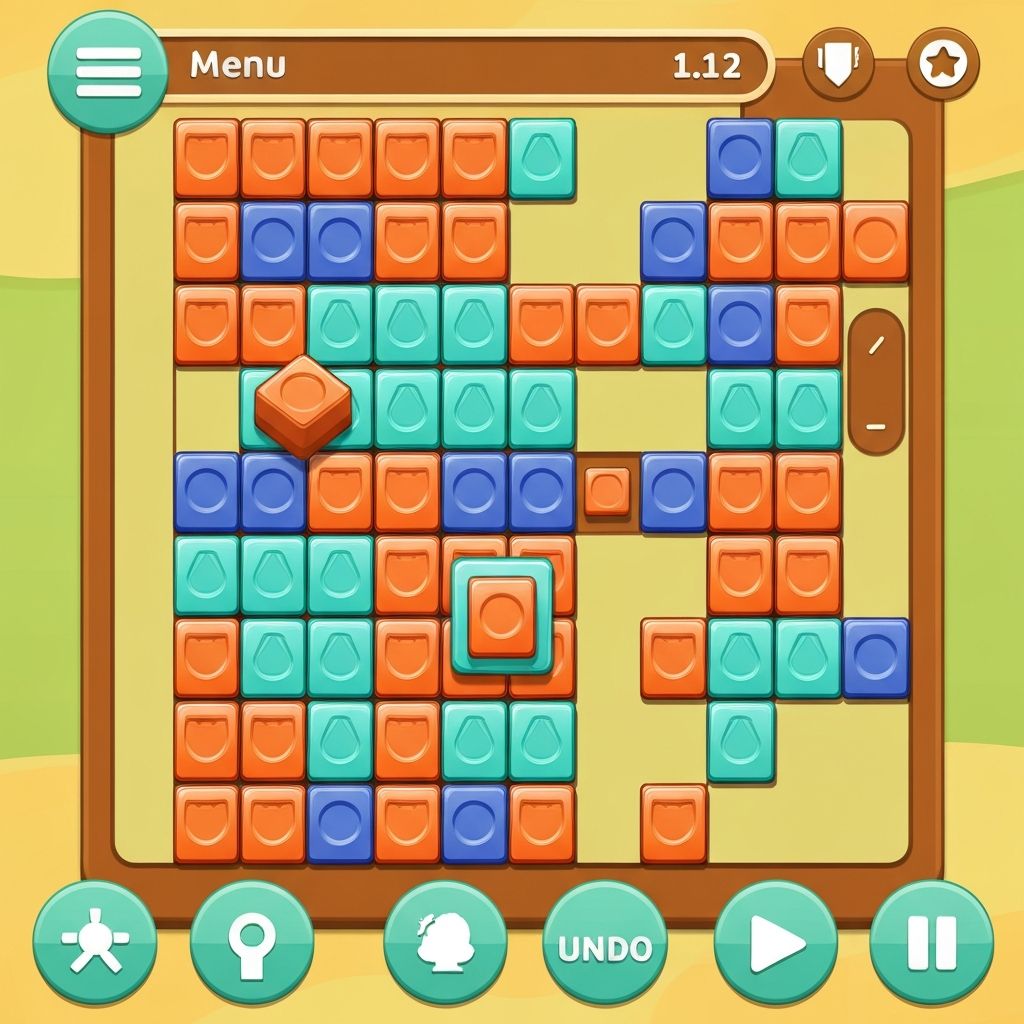
The gameplay process in Daily Tiles centers on direct manipulation of visual elements. When a player opens the app, they see a grid containing tiles of various colors and shapes.
Each tile can be selected and moved to different positions on the grid. As tiles are rearranged, the game may respond with subtle visual feedback, indicating when certain arrangements create harmonious patterns.
The entire interaction takes place through touch gestures that most mobile users already know—tapping to select and dragging to move.
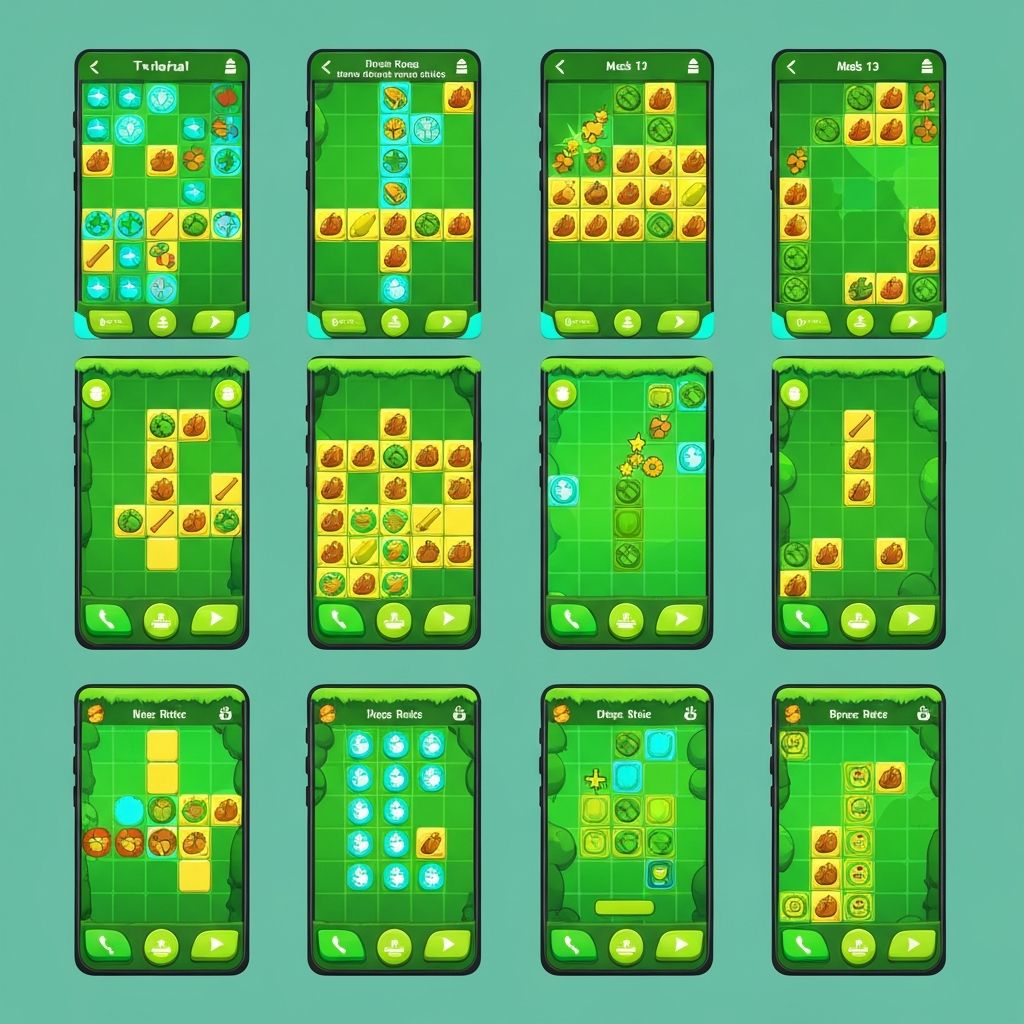
Players tap on a tile to select it. A selected tile typically shows a subtle visual indication that it is active and ready to be moved. This is the starting point for most interactions.
After selecting a tile, players can swipe in any direction to move it to a new position. The tile follows the finger movement across the screen, providing immediate visual feedback about where it will land.
For more precise placement, players can use a drag gesture—holding down on a tile and moving it slowly to the exact desired position. This allows for careful arrangement when creating specific patterns.
Players often pause to observe how the current arrangement looks. Since there is no time pressure, these observation moments are a natural part of the gameplay rhythm.
A typical gameplay session follows this general pattern:
The player opens the app and sees today's tile configuration. They take a moment to observe the colors and shapes presented.
They begin moving tiles, experimenting with different positions to see how the visual arrangement changes.
As they continue, certain arrangements may feel more satisfying than others. Players naturally gravitate toward combinations they find visually pleasing.
They might adjust their arrangement, moving tiles to refine the overall pattern. This process has no deadline or endpoint.
When the player feels satisfied or runs out of time, they simply close the app. The session ends naturally without formal completion requirements.
Tiles move smoothly when dragged, following the player's finger position. They snap gently into grid positions when released, providing a sense of structure without rigid constraints.
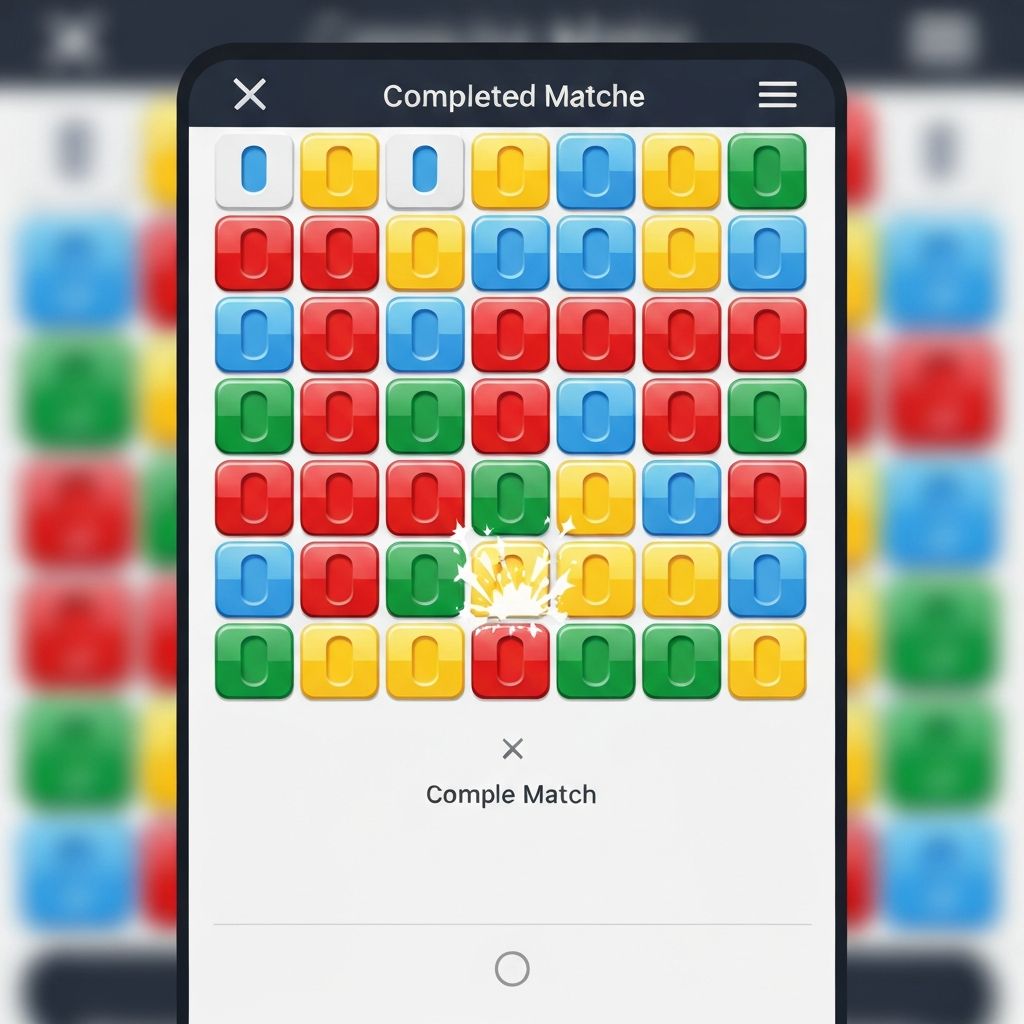
When tiles form certain arrangements, they may show subtle visual responses—slight brightening, gentle pulsing, or soft color shifts that indicate harmony has been achieved.
The background grid remains stable, providing reference points for placement. It does not change during gameplay, serving as a consistent framework for tile arrangement.
When a new day begins, the tiles transition to the new visual theme. This change is noticeable but not disruptive, maintaining continuity while introducing freshness.
Daily Tiles deliberately excludes certain common game mechanics
The game does not include countdown timers or time limits. Players can take as long as they need to arrange tiles or can complete a session in seconds.
There are no points, scores, or numerical metrics. The value of each session is entirely subjective and based on the player's own satisfaction with their arrangements.
Players are not compared to others. Each person's experience is individual and not measured against other players' activities.
The game does not include levels, unlocks, or progression mechanics. Every day's tiles are equally accessible regardless of how long someone has been playing.
Morning Check-in: A player opens the app during their morning routine. They spend 2 minutes arranging tiles while having coffee, creating a pattern they find pleasing before starting their day.
Brief Break: During a work break, a player opens Daily Tiles for 30 seconds. They make a few quick tile moves, observe the resulting pattern, and return to work.
Evening Wind-down: Before bed, a player spends 5 minutes with the app, taking time to carefully arrange tiles in various configurations, exploring different possible patterns at a relaxed pace.
Initial tile arrangement
Mid-session rearrangement
Completed pattern
Learn more about the specific features and capabilities that make up the Daily Tiles experience
View Features How It Works