Core game functions

Core Functions

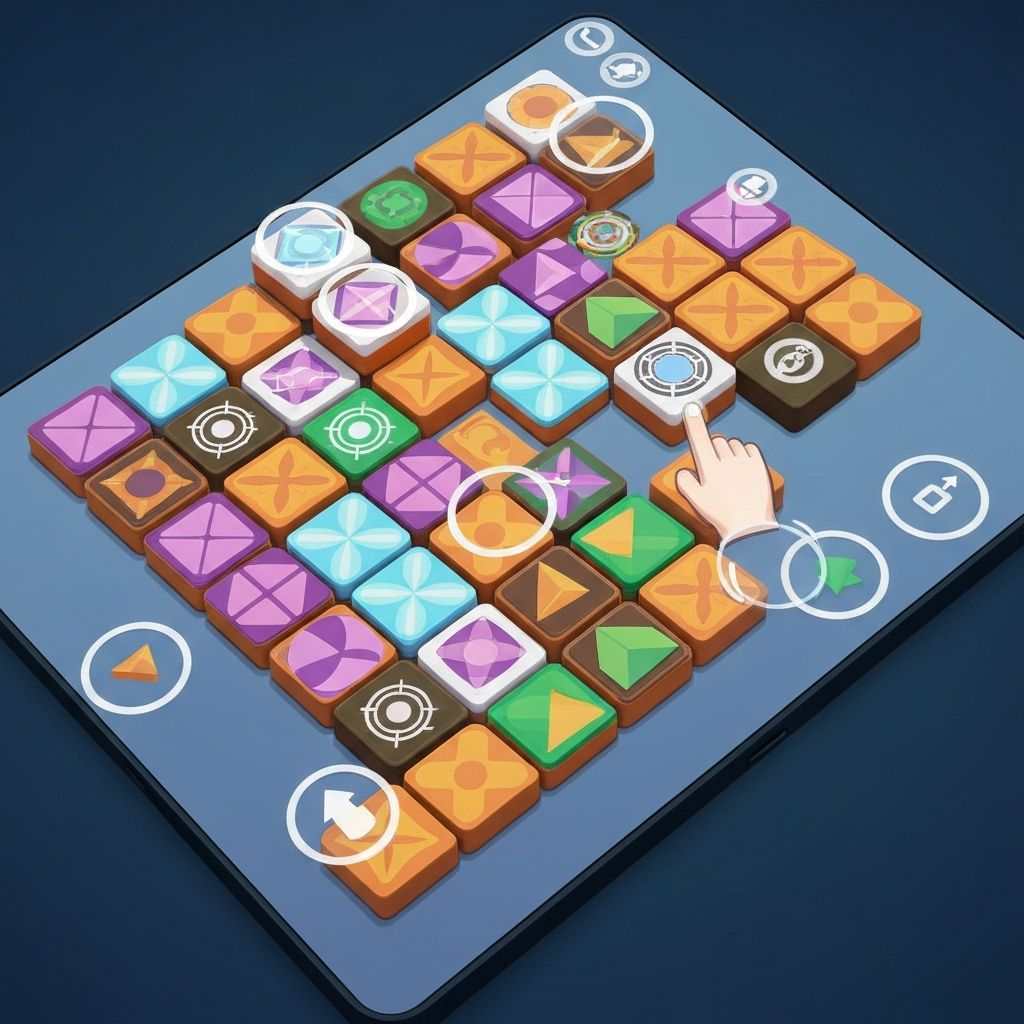
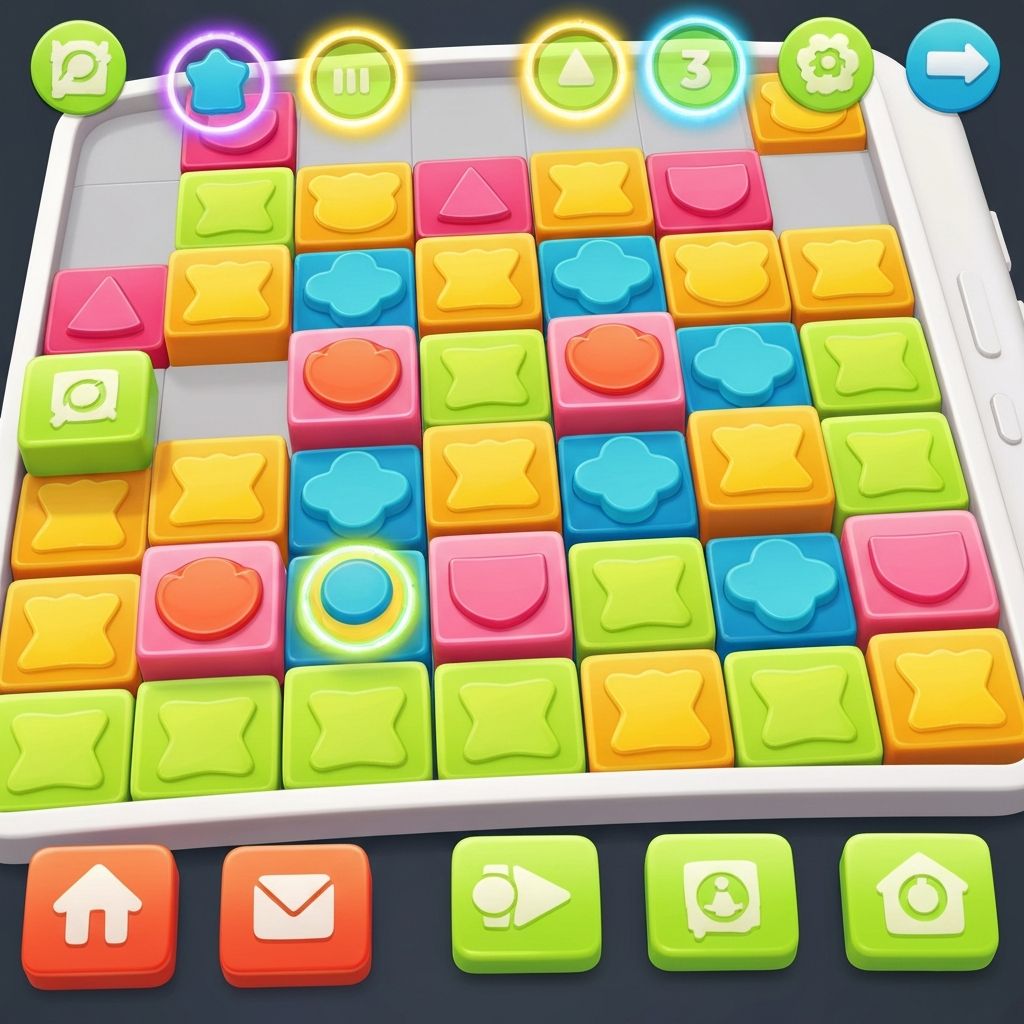
Daily Tiles includes several fundamental capabilities that define the player experience:

  • Tile Selection: Players can tap any tile to select it for movement
  • Free Movement: Selected tiles can be dragged to any position on the grid
  • Pattern Recognition: The game identifies when tiles form harmonious arrangements
  • Daily Refresh: Visual themes update automatically each day at midnight local time
  • Save State: The current tile arrangement is preserved when the app is closed
Visual Effects

Smooth Animations

Tiles move with fluid animations when dragged or repositioned. These animations run at consistent frame rates, creating a responsive feel without lag or stutter.

The smoothness helps players feel directly connected to the tiles they are manipulating.

Subtle Transitions

When tiles form harmonious patterns, they may display gentle visual transitions—soft glows, slight color shifts, or mild pulsing effects.

These transitions are noticeable but not distracting, providing feedback without overwhelming the visual design.

Color Harmony

Each daily theme features a carefully selected color palette designed to be visually pleasant. Colors are chosen to work well together and maintain good contrast for visibility.

The palettes rotate through various moods and styles while maintaining consistent visual quality.

Shadow and Depth

Tiles display subtle shadows that create a sense of depth on the flat screen. When a tile is selected and lifted for movement, its shadow may become more pronounced.

This depth cueing helps players understand which elements are active and which are stationary.

Variety of scenes

Variety of Scenes

The daily theme system provides ongoing variety without adding complexity:

Color Themes

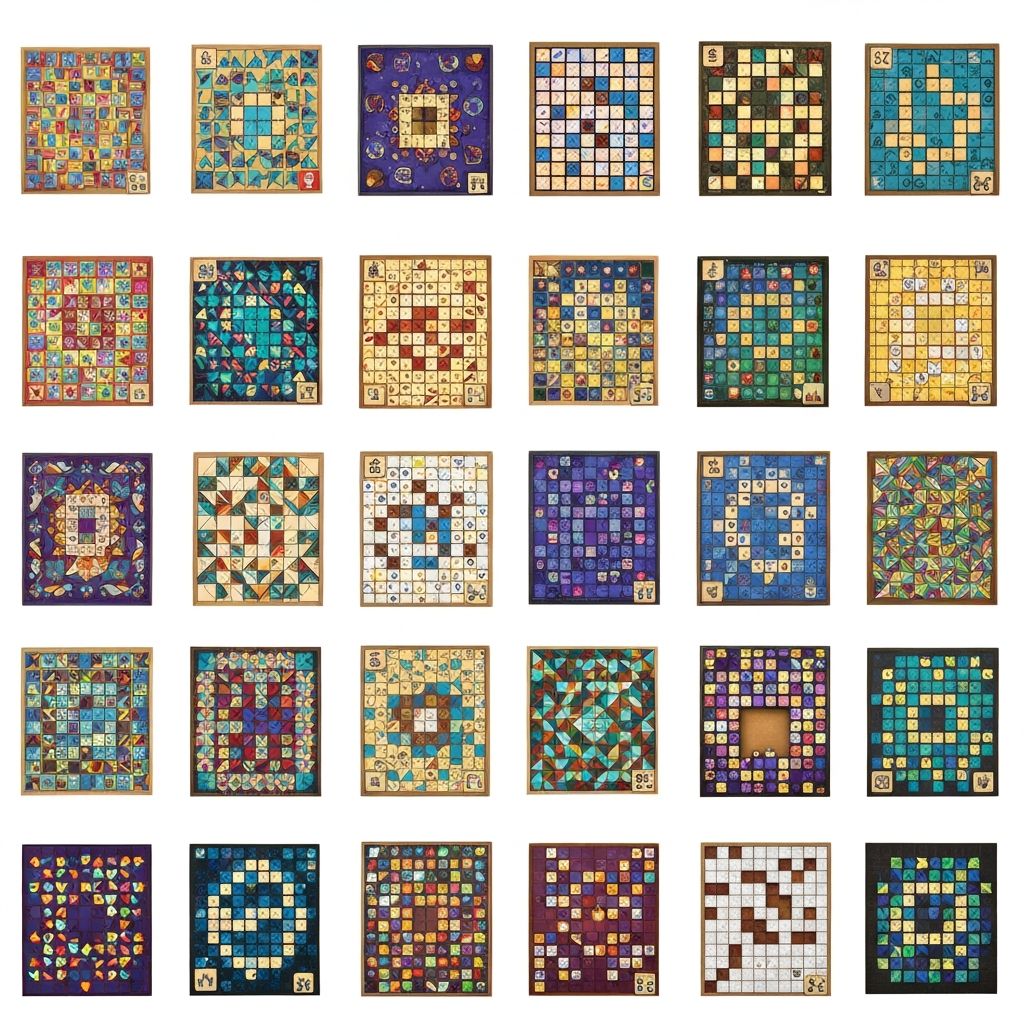
Different days feature different color schemes—warm tones one day, cool tones another, earth tones on a third day. This rotation keeps the visual experience fresh.

Shape Variations

While maintaining familiar geometric forms, daily themes may emphasize different shapes—circles one day, squares another, triangles on a third.

Pattern Styles

The way tiles are initially arranged varies daily, presenting different starting configurations that suggest different possible end states.

Device Adaptation

Daily Tiles adjusts to work well across different mobile devices

Screen Size Handling

The game layout adjusts automatically to different screen sizes, from smaller phones to larger tablets. Tile sizes and spacing scale proportionally to ensure comfortable interaction regardless of device.

Touch Target Sizing

Tiles are sized to be easily tappable on mobile screens. The game ensures adequate spacing between tiles to prevent accidental selections when targeting a specific piece.

Orientation Support

The game works in both portrait and landscape orientations. The grid layout adjusts to fit comfortably in either orientation, allowing players to hold their device however feels natural.

Performance Optimization

The game is optimized to run smoothly on various device capabilities. Animations and visual effects are scaled appropriately to maintain responsive performance even on older phones.

Simple control interface

Control Simplicity

The control scheme in Daily Tiles uses only the most basic touch gestures:

  • Single Tap: Select a tile for movement
  • Drag: Move a selected tile to a new position
  • Release: Drop a tile into its new position

That is the complete control set. There are no complex multi-finger gestures, no hidden controls, and no button combinations to remember.

This simplicity means players can focus entirely on the visual arrangement rather than on mastering control mechanics.

Session Length Flexibility

The game is designed specifically to accommodate brief interactions

30s
Quick Interaction

Move a few tiles and observe the result. Perfect for very brief moments.

2m
Standard Session

Explore different arrangements and refine patterns. The most common session length.

5m
Extended Play

Thoroughly experiment with various configurations. For when you have more time available.

All session lengths are equally valid. The game provides the same experience regardless of how long you play.

What Daily Tiles Does Not Include

Understanding what features are intentionally absent helps clarify the game's approach

No Advertisements

Gameplay is not interrupted by ads

No In-App Purchases

No items or features to buy within the app

No Social Features

No sharing, friending, or social network integration

No Account Registration

No need to create accounts or log in

No Notifications

The app does not send push notifications

No Data Collection

Minimal data collected beyond what is needed for basic function

Understand How It Works

Learn about the logic and principles that make Daily Tiles function

How It Works Contact Us